Write it down before it's gone. Find it again when you need it.
Fomes is a markdown editor for the Mac. There's nothing to set up,
it never asks where a note goes, and search finds it later even if
you misspell it. Your notes stay plain .md files that
you own.
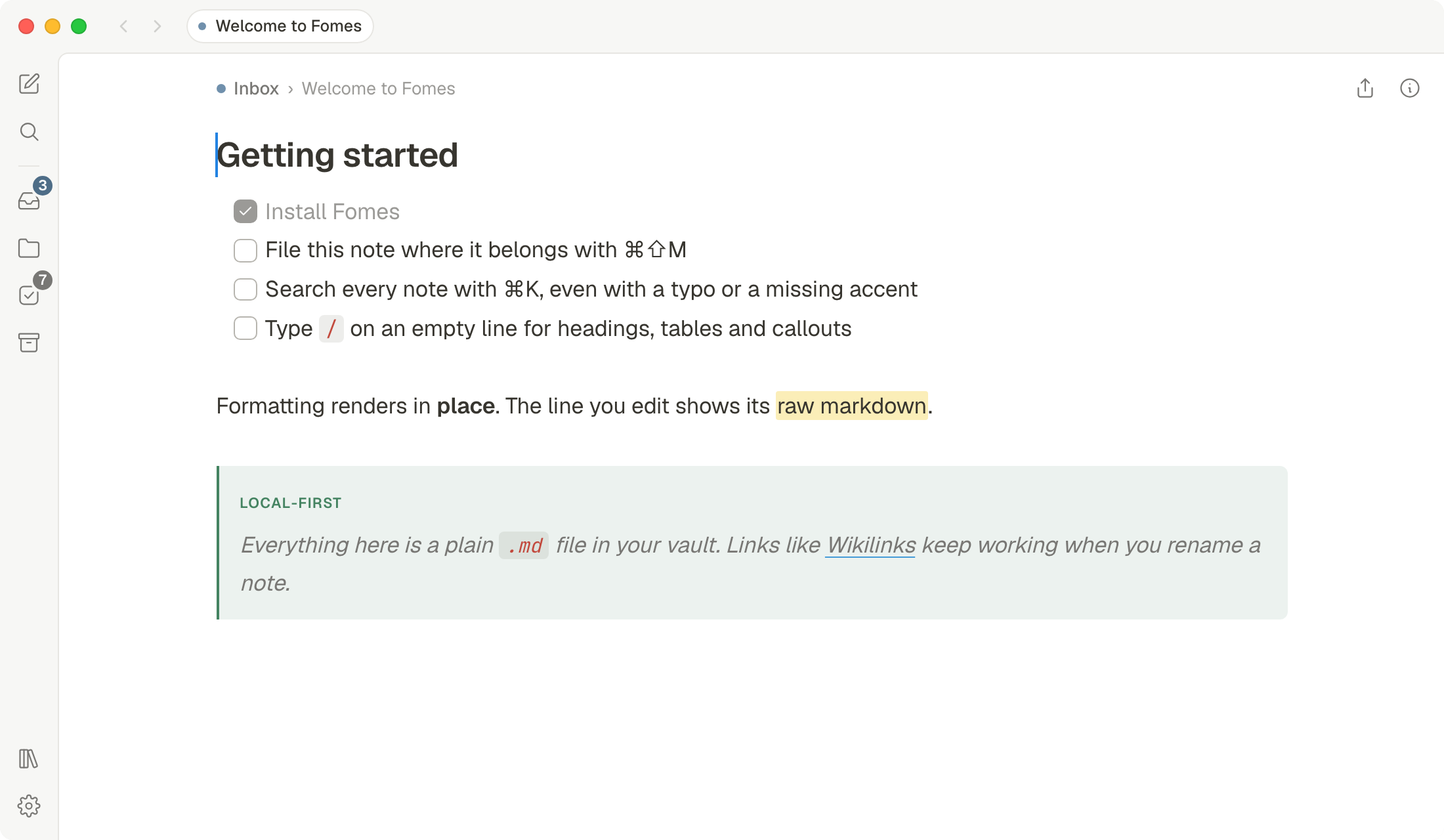
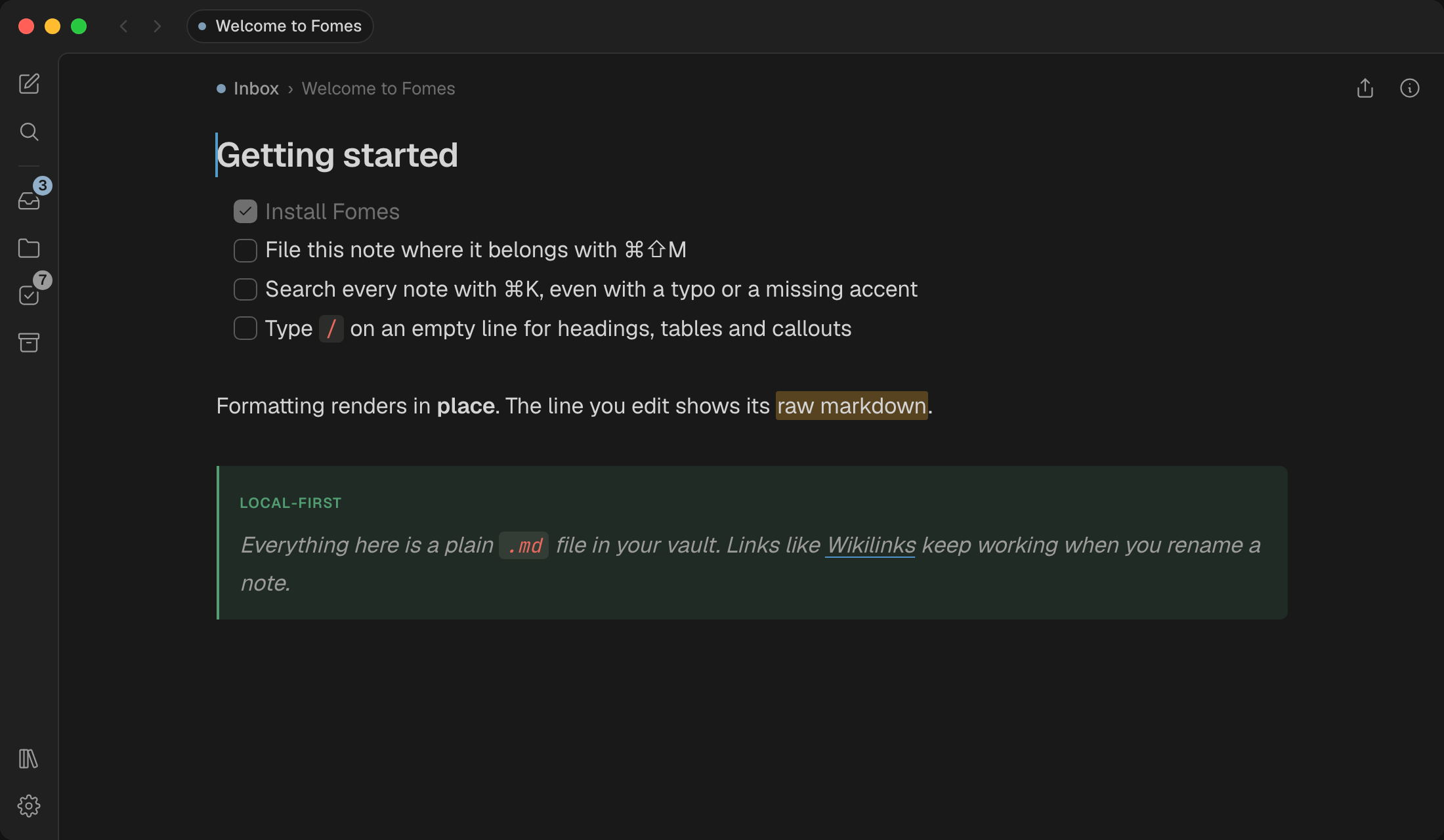
This is Fomes itself, with a sample vault. Try ⌘K and search for muller, file a note with ⌘⇧M, or type / on an empty line. Nothing you type leaves this page. On a Mac or a larger screen, this window is Fomes itself, with a sample vault to try.
## the setup
You installed a notes app to write. You spent the afternoon setting it up.
Most markdown apps start the same way. You install one, then find out that the basics, like good tables, task lists, quick capture and search, live in a plugin marketplace. So you hunt for plugins, install them, configure them and keep them all updated. Each one adds weight, another settings page and another thing an update can break.
- how do I make tables easier to edit
- best quick capture plugin
- why is my notes app so slow to open
- plugin stopped working after update
An afternoon later, you still haven't written a note.
## the trade-off
Every notes app gets one part right.
Plugin-based editors can do almost anything. The cost is that the basics come as plugins you have to find, configure and keep working, and every plugin is someone else's code running next to your notes. Other apps keep things simple by storing your notes in their own database, so you can't open them anywhere else.
Fomes is built for the whole routine: catch the thought, sort it out later, find it again.
## the flow
Capture now. File later. Find it any time.
Most notes apps make you organize at the moment you write, which is exactly when you have the least time. Fomes moves that decision to later.
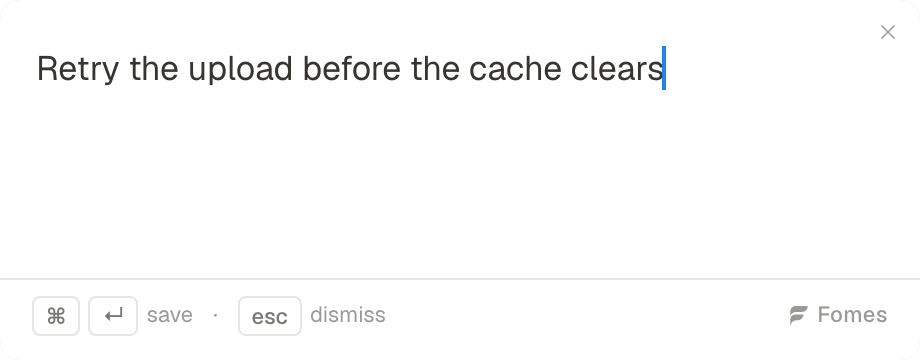
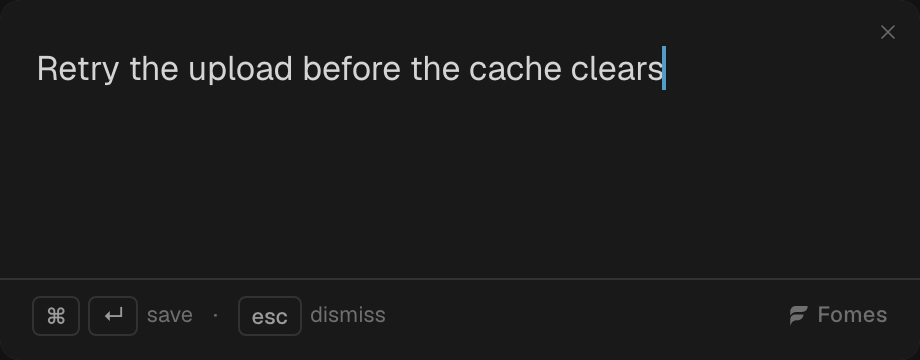
Capture ⌘⌥N
Quick Capture works from any app, and Fomes opens to a blank page. New notes land in your Inbox, newest on top. You never pick a folder before you've written the thought down.
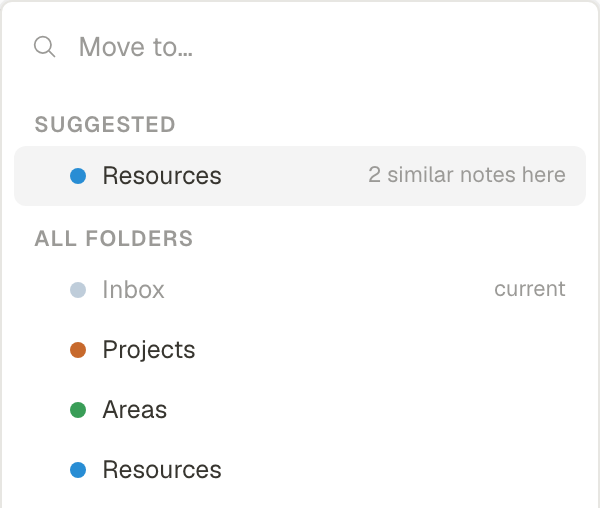
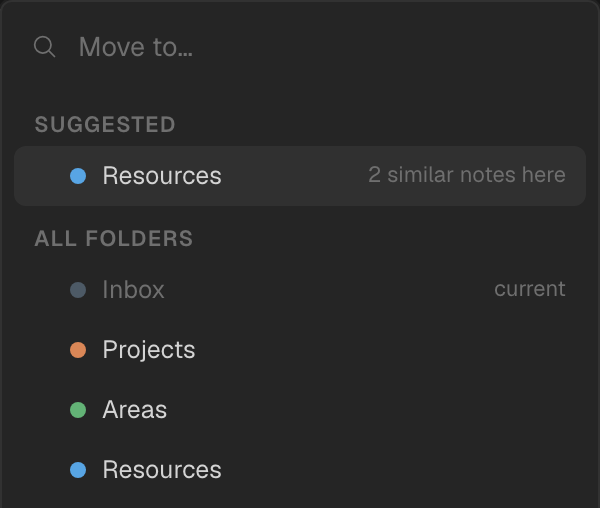
File ⌘⇧M
When you have time, go through the Inbox. Fomes suggests up to
three folders where each note could go, with the reason for
each, and [[wikilinks]] connect it to the rest. If
you rename a note, every link to it updates.
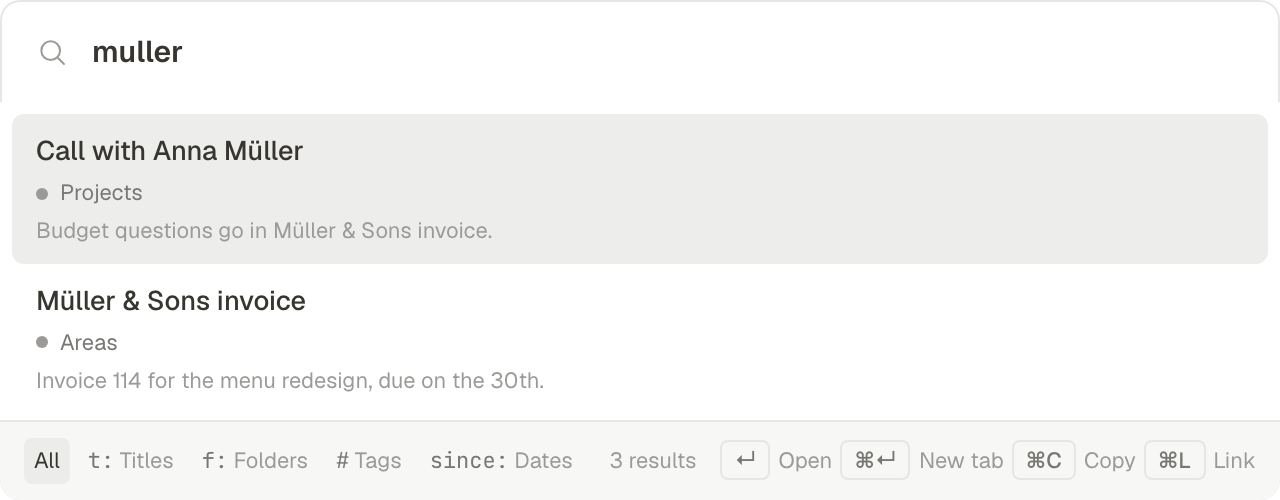
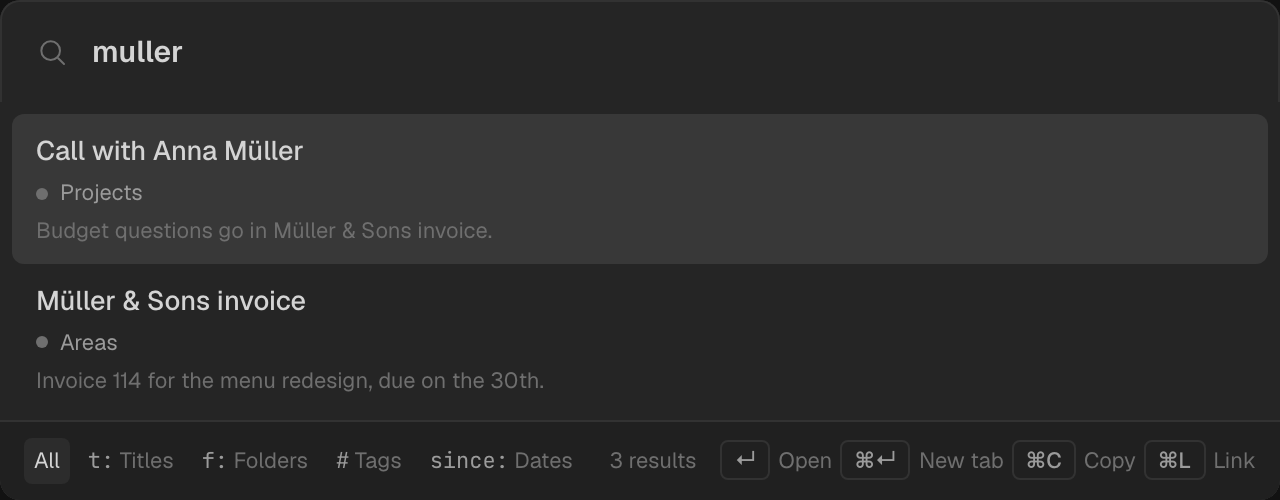
Find ⌘⇧Space
Search your whole vault from any app. Results show up even with
a small typo or a missing accent: muller finds
Müller. Because search finds things anyway, your folders can
stay loose.
Your Inbox doesn't need to reach zero. Ideas are allowed to stay unfinished there.
## built in
Nothing to install. Nothing to maintain.
Fomes comes with tables you edit cell by cell, task lists gathered from every note, wikilinks and backlinks, callouts, diagrams, PDF export, Quick Capture and search across your vault. Formatting renders as you type, and the line under your cursor shows its raw markdown. None of it is a plugin, so there's nothing to configure, nothing that breaks after an update and no third-party code running next to your notes.
Install it and write.
## your files
Your notes should outlive the app that wrote them.
Every note is a plain .md file in a folder on your
disk. There's no database, no proprietary format and no account,
and everything works offline. You can open the same folder in
any other markdown editor, keep it in git, process it with
scripts or point an AI agent at it.
If Fomes isn't for you, nothing is lost by leaving.
---
created_at: 2026-11-15 09:14
tags: [notes]
---

## Getting started

- [x] Install Fomes
- [ ] Capture a thought from any app with ⌘⌥N
- [ ] Connect notes with [[wikilinks]]
## mac-native
It behaves like a Mac app.
Every command is in the menu bar with its shortcut, and ⌘, opens Settings. Close the window and Quick Capture still works from the menu bar. Updates download quietly, and nothing restarts until you click Restart. Light and dark follow your Mac. Fomes draws its window with the Mac's own WebKit instead of bundling a browser, which is why the download is 11 MB.
It should feel like it came with your Mac.
## after
What you stop thinking about.
No plugins to install. No updates to babysit. No broken setup to troubleshoot, and no config to rebuild on a new Mac. No picking a folder while the thought slips away, and no digging for a note you know you wrote.
What's left is the note in front of you.
## questions
Questions
Can I bring my existing notes?
Yes, as long as they're markdown. Fomes opens any folder of .md files, Obsidian vaults included, so you can move your notes in, and out again, whenever you like. Obsidian plugins don't run in Fomes.
Is there an iPhone app?
Not yet. Fomes is Mac-only for now. Your notes are plain files, so any phone app that opens a folder of markdown can read them.
Which Macs does Fomes run on?
Macs with Apple silicon (M1 or later), on macOS 13 Ventura or later.
Do I need an account?
No. You don't need to sign up or sign in.
Does Fomes send any data?
Fomes has no account and no analytics, and your notes never leave your Mac. The only thing it sends over the network is a check for updates.
Can I add plugins or themes?
No. Everything Fomes does is built in, and it follows your Mac's light or dark appearance. If the defaults don't fit how you work, your notes are plain markdown, so any other editor can open them.
Why “Fomes”?
Fomes fomentarius is the tinder fungus. For thousands of years, people carried it to catch a spark from flint and keep it alight; Ötzi, the 5,000-year-old Iceman, had some with him. Fomes is meant to catch thoughts the same way.